


Generate images from words
Choose from multiple image models and describe the scene, product, or style.
Start from a description or visual reference. Without starting from scratch or leaving Minte.
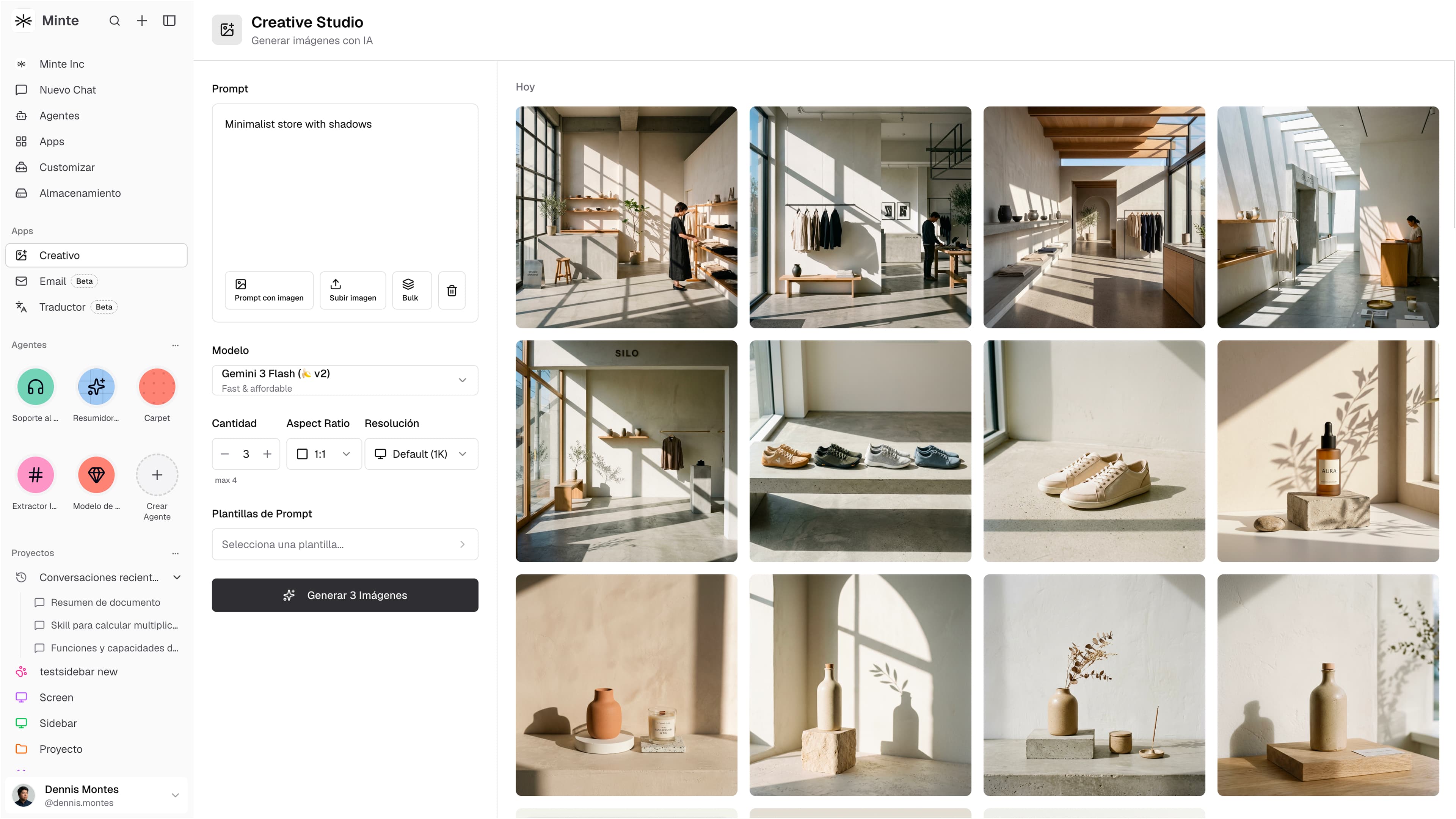
Use an image as a reference and decide what you want to change or preserve.

“Keep the natural light and neutral palette. Create three variations of the same space.”
Prepare square, horizontal, or vertical assets and choose the resolution before generating. Then download the result as PNG, JPG, or WebP.
Six ways Creative helps you move from one idea to a series ready to choose from.
Choose from multiple image models and describe the scene, product, or style.
Apply the same change to a complete series.
Preserve the light, framing, or palette.
Square, horizontal, vertical, and ready to download.
Compare different versions of the same image.
Return to images, prompts, and series whenever you need.
Group images in a folder, describe the change once, and let Creative prepare a new version of each one. Results stay together, ready to review or download.
We will show you how Creative fits into your team's daily work.
